 Official Conference App
ICOM 2026
It's a Celebration! • November 12–14
America's Center • St. Louis, Missouri
FreeNo account neededNo app store
Open the ICOM App ›
Scan with your phone camera
icom.b1.church/app
Point your camera at the code, then tap the link that pops up.
Put it on your home screen
- Tap Open the ICOM App above, in Safari.
- Tap the ••• button at the bottom right of the screen.
- Tap Share .
- Scroll down and tap Add to Home Screen .
- Tap Add. The ICOM icon is now on your home screen, just like an app.
Older iPhone? The Share button is right in the bottom bar. Tap it and skip to step 4.
No time right now? Just tap Open the ICOM App and use it in your browser.
What's inside
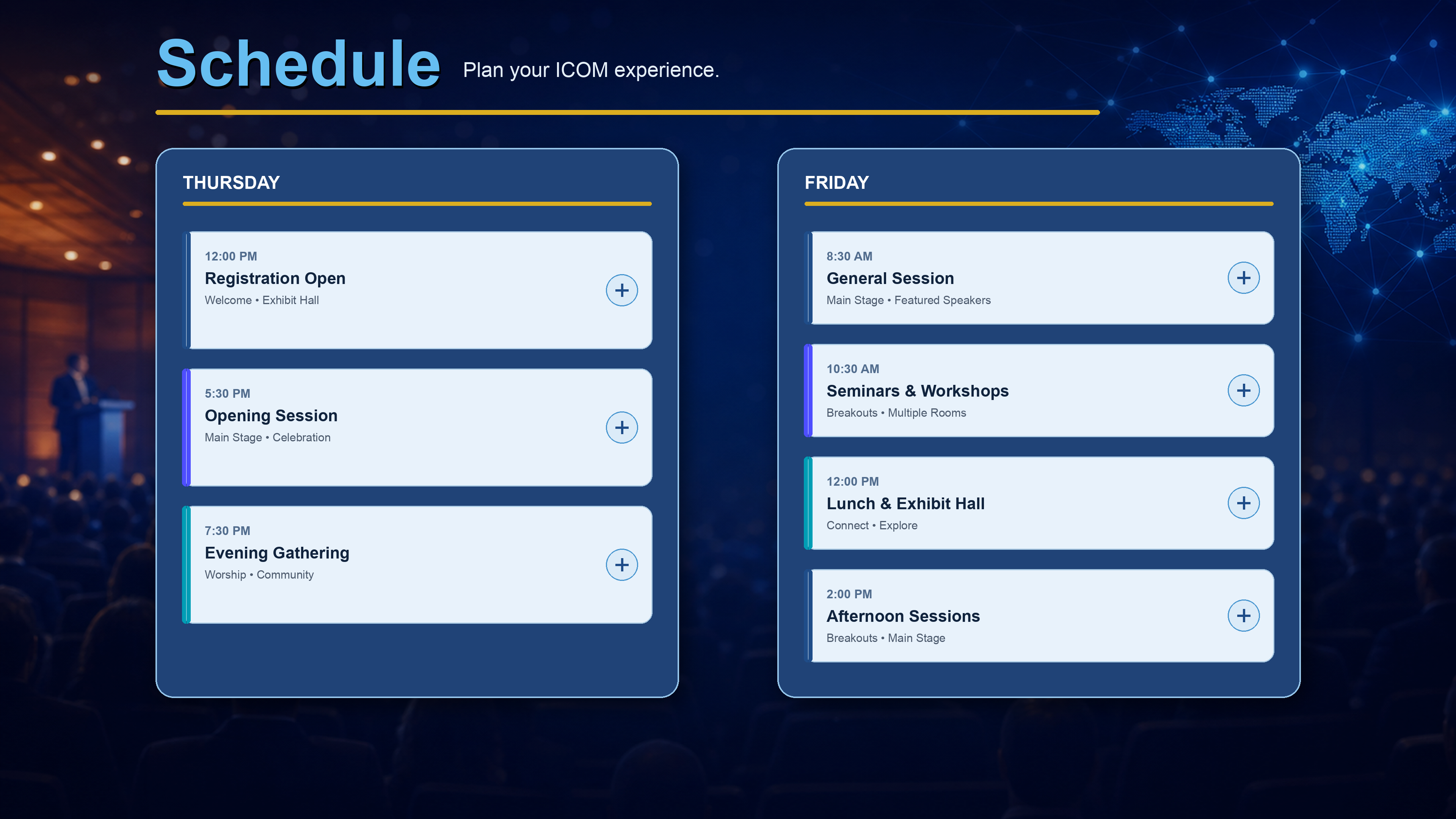
📅ScheduleEvery session, all three days
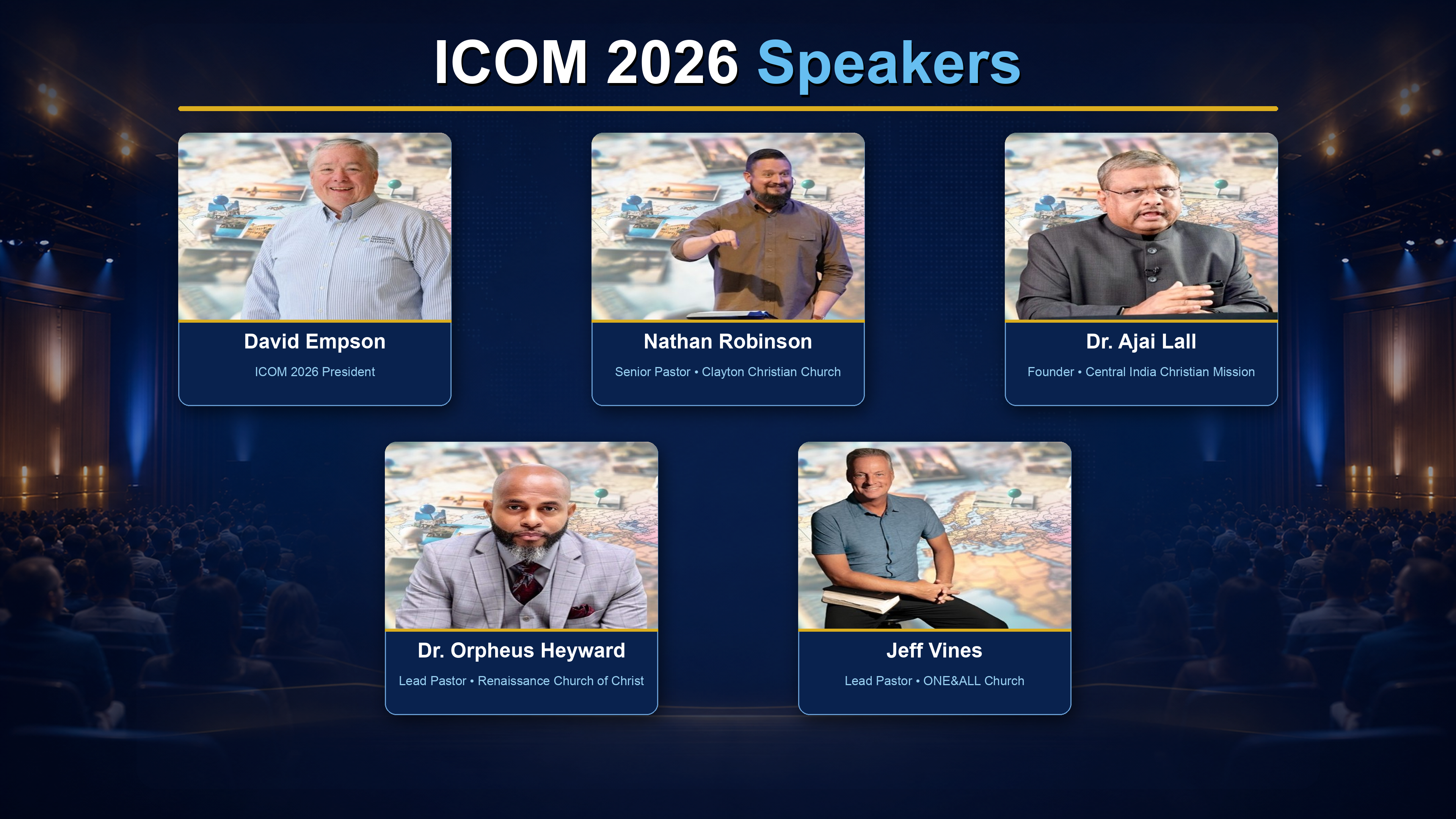
🎤SpeakersMain stage lineup
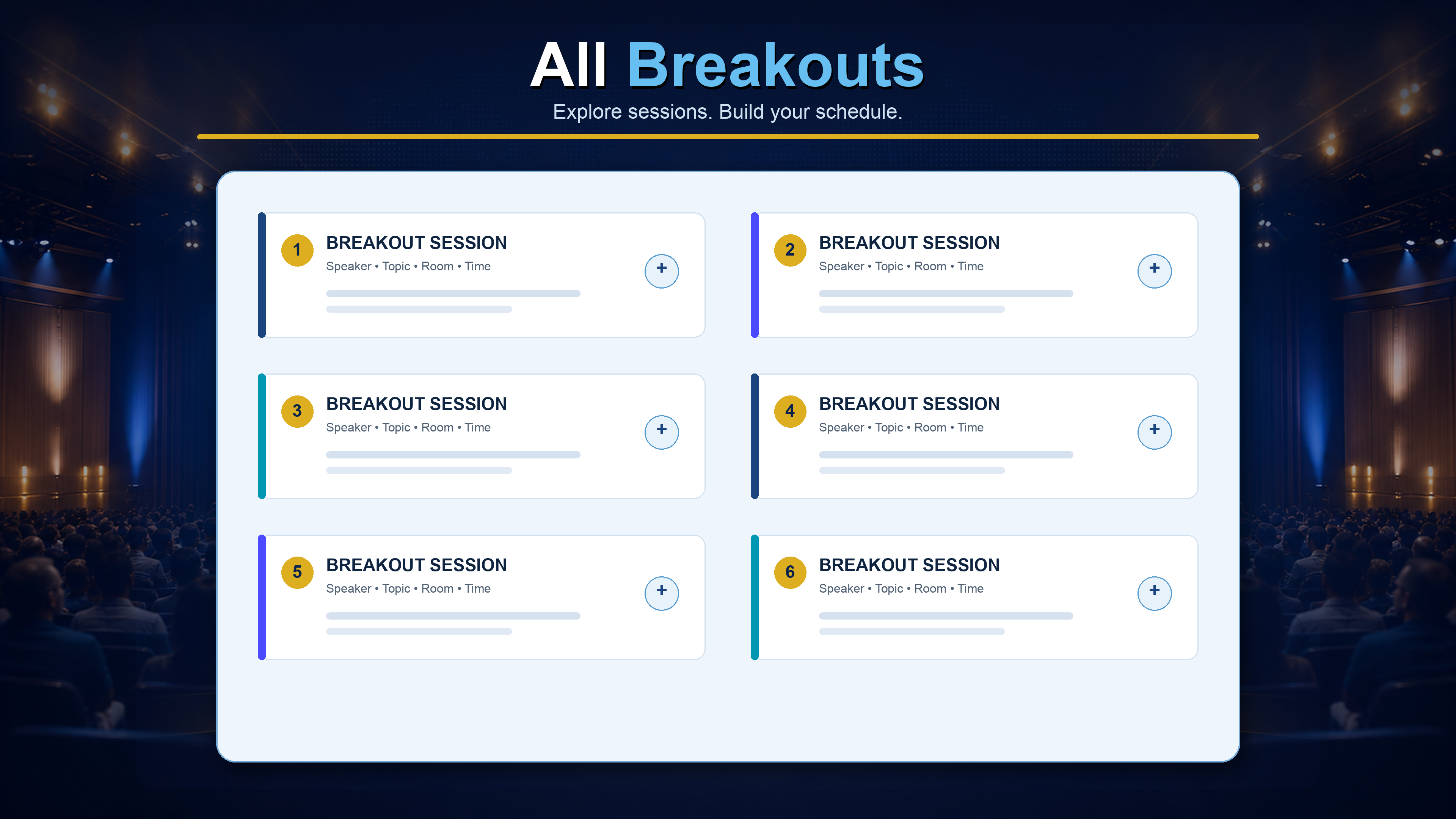
⭐Workshops130+ breakouts. Star them to build My Schedule
🗣️Breakout SpeakersFind any workshop leader
📍Venue MapFind any room or booth
🏢Exhibitors297 ministries, searchable
Free for every ICOM attendee • App by ChurchApps
Add ICOM to your home screen
One tap to the schedule, map & workshops.
Show me
One tap to the schedule, map & workshops.
 Schedule
 Speakers
 Breakouts
 Breakout Speakers
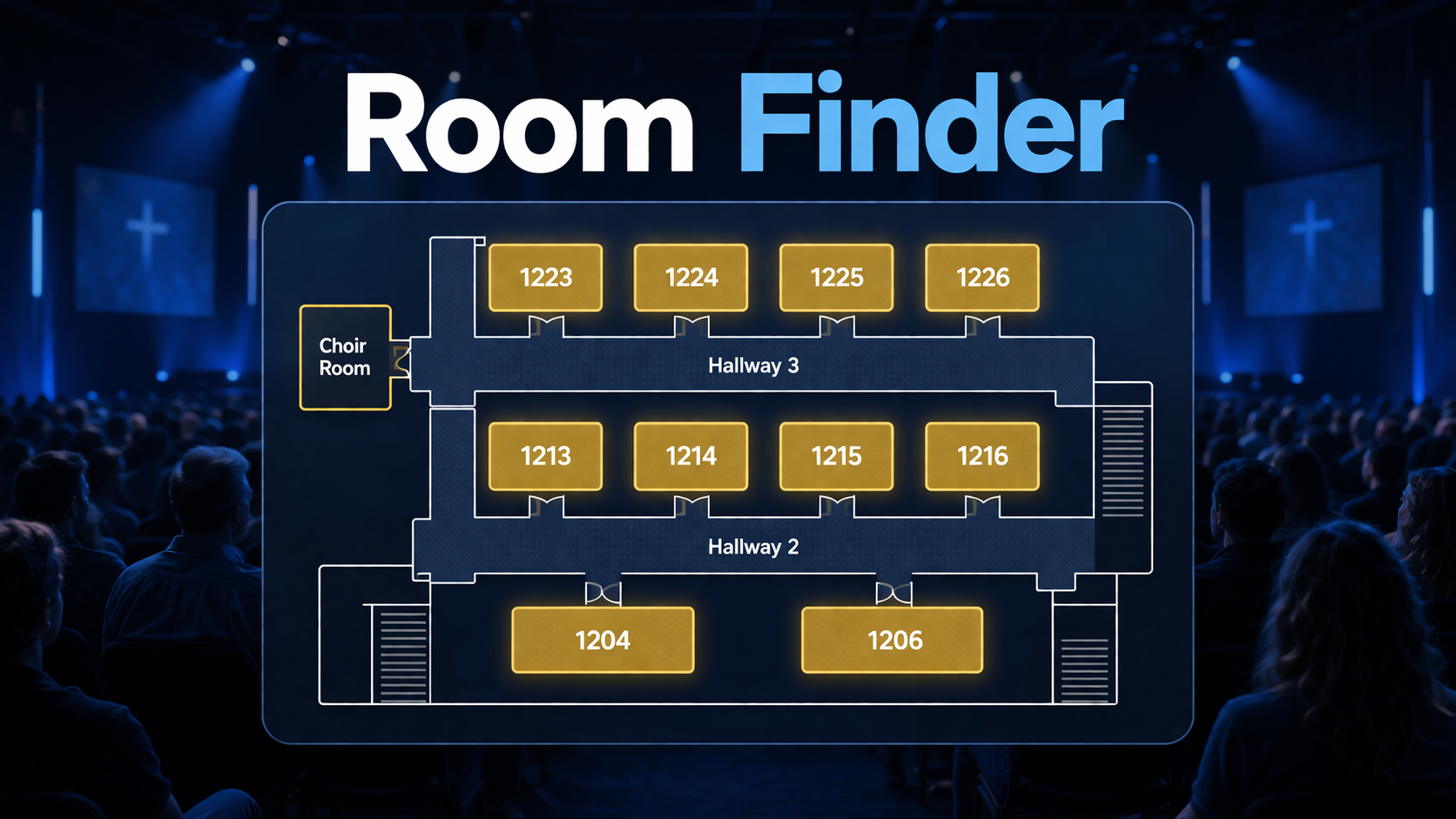 Map
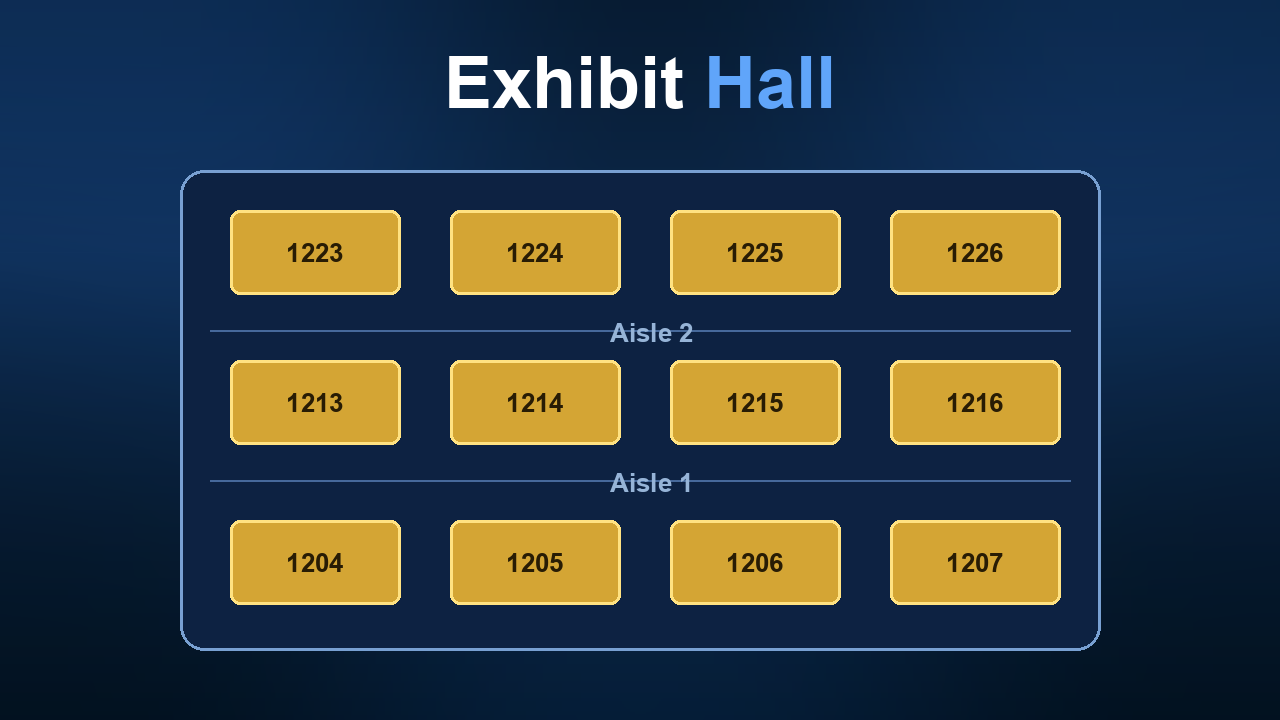 Exhibitors
 Sponsors